
Ask in plain words
What was my cost per new customer last month?
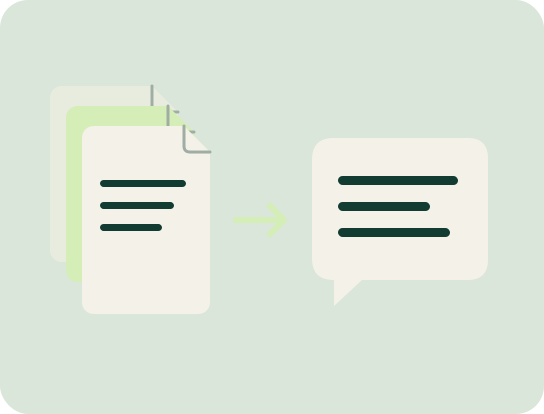
From your ad spend to one answer
ArmLyst joins your ad spend, customers and orders, and answers only from your own data.
Bring your own files
Upload your ad spend files as CSVs, together with your customers and orders.
Spend joined to customers and orders
Ad spend on its own tells you little. ArmLyst puts it next to your customers and orders, so cost per new customer comes from one place.
Answers only from your numbers
ArmLyst answers only from your own data, and says so plainly when your data can't answer a question.

Who it is for
Malaysian online sellers and small businesses that spend on ads and want plain answers about their own numbers.
How to start
You bring three CSV files:
Import the customers file first.
- Customers:
a customer ID, the date the customer was created, and an email or a phone number for each customer (no names needed).
- Ad spend:
date, channel, spend.
- Orders:
order ID, customer ID, order date, amount, status.


The first-payment date is optional at import but needed to count new customers.
If your orders file holds all your orders, tick 'This file contains all my orders since my first sale' on your orders file instead.
The same customer ID must appear in the customers file and the orders file.